Localsend: An open-source cross-platform alternative to AirDrop
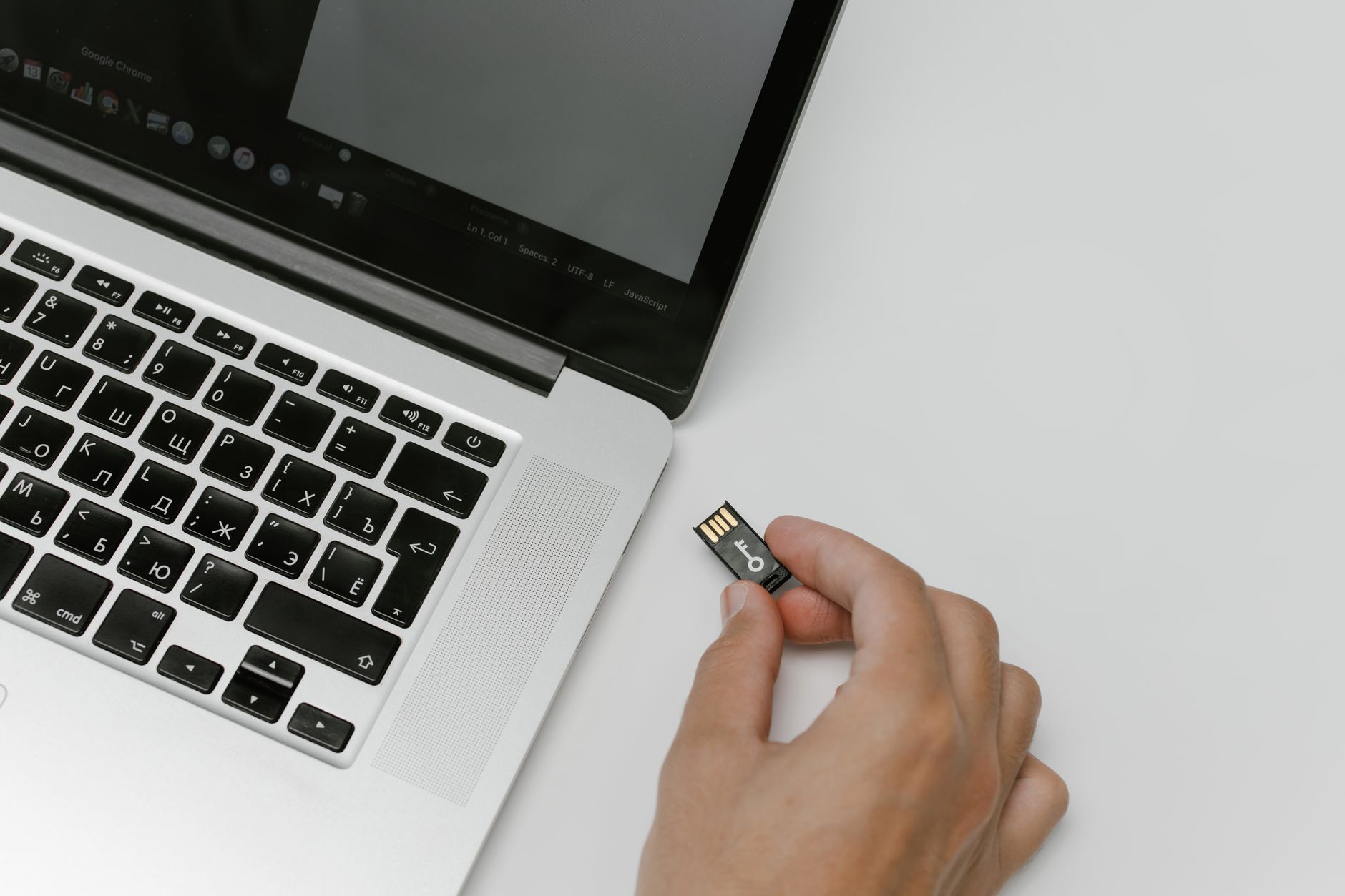
AirDrop has become ubiquitous for quickly sharing files between Apple devices. But for professionals in the finance industry, relying on a closed-source, Apple-centric solution for sensitive data transfer carries inherent risks. The need for secure, reliable, and cross-platform file sharing is paramount. Enter Localsend: a compelling, open-source alternative that prioritizes privacy and control. This article dives deep into why Localsend is a game-changer for financial professionals.
The Risks of Using AirDrop for Financial Data
Before exploring Localsend, it's critical to understand why AirDrop isn’t ideal for handling confidential financial information.
- Closed Source: AirDrop’s underlying code is not publicly available for audit. This means vulnerabilities can exist without being easily detected or addressed by the broader security community. In the finance world, transparency is essential.
- Apple Ecosystem Lock-In: AirDrop is restricted to Apple devices. Many financial institutions and professionals work with teams using a mix of Windows, Android, and macOS systems.
- Discovery Concerns: AirDrop relies on broadcasting presence to nearby devices. While convenience is a plus, it also presents a potential discovery risk. An attacker within range could potentially attempt to intercept data.
- Limited Control & Auditing: AirDrop offers minimal logging or auditing capabilities. Tracking who shared what, when, and with whom is difficult, hindering compliance efforts.
- Potential Vulnerabilities: Historically, vulnerabilities have been found in AirDrop, highlighting the risk of relying on a system you don't fully control.
These limitations make AirDrop unsuitable for sharing client financial statements, investment reports, internal analyses, or any other sensitive information. Financial professionals need a solution specifically designed with security and control in mind.
Introducing Localsend: A Secure and Private Alternative
Localsend is a modern, open-source file transfer tool designed for local network sharing. It functions similarly to AirDrop – offering quick and easy transfers – but with a strong emphasis on security, privacy, and cross-platform compatibility.
Here's what sets Localsend apart:
- Open Source: The entire codebase is publicly available on GitHub (https://github.com/localsend/localsend). This allows anyone to review the code, identify vulnerabilities, and contribute to its improvement.
- Cross-Platform Compatibility: Localsend works seamlessly on Windows, macOS, Linux, Android, and iOS. This eliminates the limitations of AirDrop and facilitates collaboration across diverse teams.
- Encryption: All file transfers are encrypted, protecting your data from unauthorized access during transit.
- Privacy-Focused: Localsend doesn’t require accounts or internet access. Transfers happen directly between devices on your local network, minimizing exposure.
- No File Size Limits (Practically): While limited by your network's capabilities, Localsend doesn't impose artificial file size restrictions, allowing you to share large datasets without hassle.
- Simple & Intuitive Interface: Localsend boasts a clean, user-friendly interface that requires minimal technical expertise.
How Localsend Benefits Financial Professionals
Localsend directly addresses the security and usability concerns associated with AirDrop in a financial context.
- Secure Client Data Exchange: Share sensitive client documents (tax returns, investment portfolios, financial plans) with confidence, knowing that the data is encrypted and protected.
- Internal Collaboration: Facilitate secure collaboration among team members on internal reports, analyses, and models, without relying on email or cloud-based storage.
- Compliance Support: The inherent security features of Localsend can contribute to meeting compliance requirements (e.g., GDPR, CCPA) related to data protection. While not a complete compliance solution, it's a significant step in the right direction.
- Reduced Risk of Data Breaches: By keeping data transfer local and encrypted, Localsend minimizes the risk of data breaches associated with cloud storage or email transmission.
- Improved Efficiency: Quick and easy file transfers save time and streamline workflows. No more waiting for large files to upload and download.
Localsend vs. Alternatives: A Quick Comparison
While several file transfer solutions exist, Localsend’s combination of features makes it particularly well-suited for finance.
| Feature | AirDrop | Localsend | Secure Cloud Storage (e.g., Box, Dropbox) | Email with Encryption |
|---|---|---|---|---|
| Security | Moderate | High | High (dependent on provider) | Moderate |
| Privacy | Low | High | Low (data stored on servers) | Moderate |
| Cross-Platform | Apple Only | Excellent | Excellent | Limited |
| Ease of Use | High | High | High | Moderate |
| Cost | Free (Apple) | Free/Donation | Subscription | Free/Cost of Software |
| Local Network | Yes | Yes | No | No |
As you can see, Localsend strikes a balance between security, privacy, ease of use, and cost-effectiveness that many alternatives struggle to match. Cloud storage adds a level of trust with a 3rd party, while Email relies on potentially complex and error-prone encryption setup.
Setting up and Using Localsend
Getting started with Localsend is straightforward:
- Download & Install: Download the appropriate version of Localsend for your operating system from the official website: https://localsend.org/. Consider supporting the developers with a donation.
- Run the Application: Once installed, simply launch Localsend on both the sending and receiving devices.
- Connect Devices: Localsend automatically detects devices on the same local network. Devices will show up on each other's interface.
- Select & Send: Select the file(s) you want to share, choose the recipient device, and click "Send".
- Accept the Transfer: The recipient will receive a notification and can accept the file transfer.
That's it! The entire process is typically completed within seconds.
Advanced Features & Considerations
Localsend offers a few advanced features worth noting:
- Custom Port: You can configure Localsend to use a different port for communication if needed.
- Device Naming: Customize the name of your device for easier identification on the network.
- Troubleshooting: If you encounter connectivity issues, ensure both devices are on the same local network and that firewalls aren't blocking communication. - You might consider a firewall with granular control for enhanced security.
- Security Best Practices: Always keep Localsend updated to benefit from the latest security enhancements. Limit access to your local network to trusted devices.
Future Development & the Open-Source Community
The future of Localsend looks bright. As an open-source project, it benefits from the contributions of a passionate community of developers and users. Ongoing development efforts focus on improving performance, adding new features, and further enhancing security. The transparent nature of the project allows for continuous improvement and adaptation to emerging threats.
Conclusion: A Smart Choice for Financial Data Security
For financial professionals, the security of client and internal data is non-negotiable. While AirDrop offers convenience, its limitations make it an unsuitable choice for sensitive file transfers. Localsend provides a robust, secure, and privacy-focused alternative that addresses these concerns. Its cross-platform compatibility, open-source nature, and ease of use make it a valuable tool for enhancing data security and streamlining workflows in the financial industry. Consider making the switch to Localsend to protect your clients, your firm, and your reputation. Investing in robust security solutions like Localsend is no longer optional; it’s a necessity. – Consider a dedicated, secure network for added peace of mind.
Disclaimer:
Please note that I may receive an affiliate commission if you purchase products or services through some of the links in this article. This does not affect my opinion or recommendation. I only recommend products and services that I believe are valuable and relevant to my audience. Always do your own research before making any purchasing decisions.